{{ post.date }}
{{ post.readTime }}
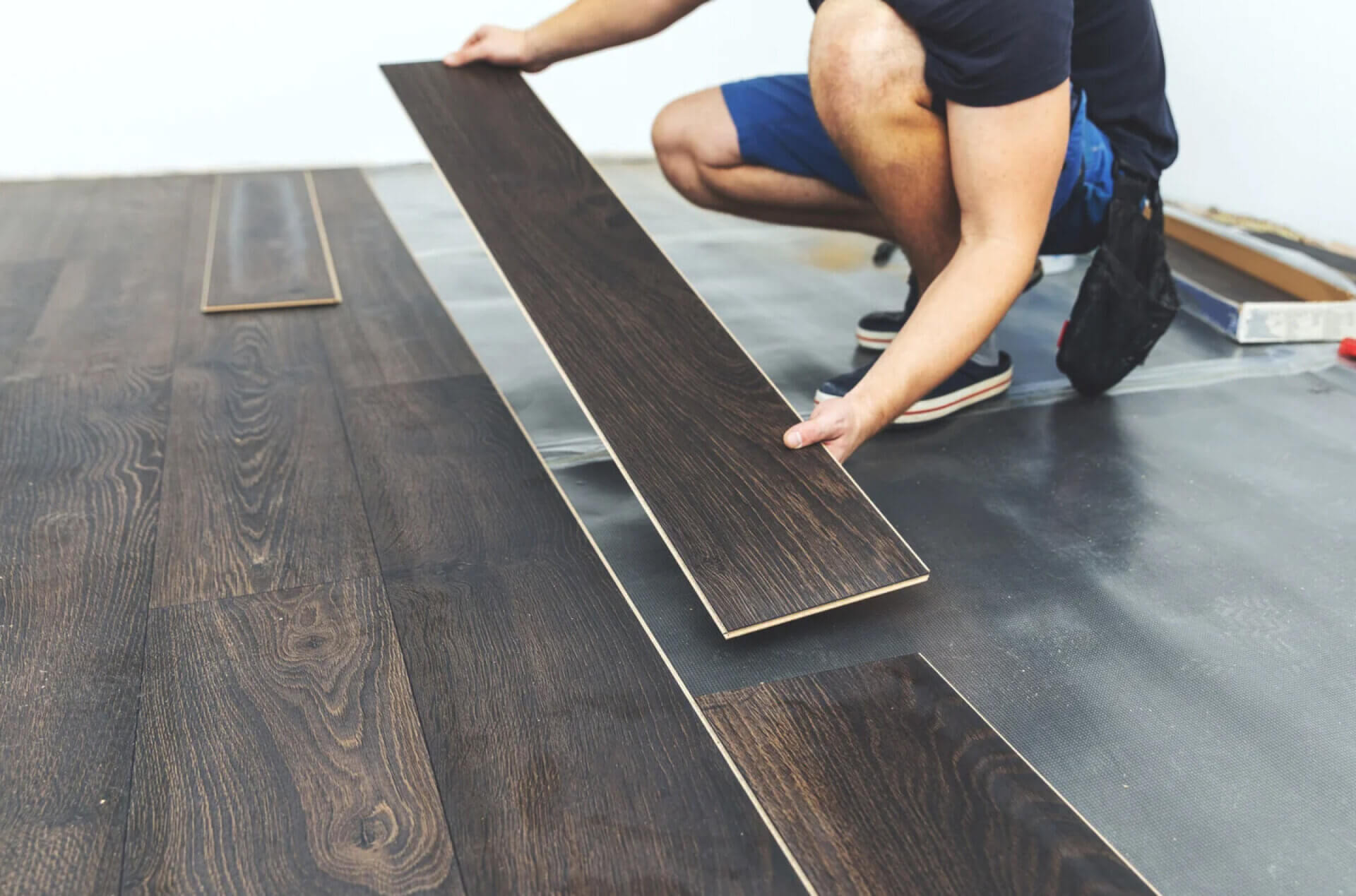
Flooring Calculator for contractors and builders provides a fast and accurate way to estimate flooring area, materials, and total cost. Precise flooring estimates are critical on every job because the floor area directly impacts material orders, labor, and profit margins. Even small errors can lead to wasted materials or underpriced bids.
The Free Flooring Calculator from Remato instantly calculates total area, material quantity, waste percentage, and overall project cost. It’s a reliable flooring cost calculator built for professionals who need quick, accurate takeoffs for quoting, ordering, and planning flooring projects.
Work with a team? Try Remato Crew Management
The Flooring Calculator is designed for contractors and builders who need fast, reliable flooring estimates without overcomplicating the process. It turns room dimensions, material costs, and waste percentages into accurate results you can use for bids, orders, or takeoffs.
Here’s a quick overview of what you’ll do:
Let’s go through each step in more detail.
Accurate takeoffs start with precise measurements. Whether you’re installing hardwood, vinyl, laminate, or commercial flooring, the Flooring Calculator helps turn those dimensions into clear, reliable estimates.
Steps for accurate measurement:
The calculator will automatically compute the total floor area in square meters or square feet.
Pro tip:
If your project includes multiple rooms:
This approach is especially helpful when you’re working with different materials or finishes in separate rooms.
Even the best installers can’t eliminate waste. Some flooring pieces are lost during trimming, cutting, or pattern matching. The flooring cost calculator includes a waste percentage option to make this simple.
Recommended waste ranges:
Once you enter your waste percentage, the calculator automatically adds it to your total area. This ensures your flooring materials order includes enough coverage for real-world conditions.
Why this matters:
A few extra boxes of flooring are much easier to return than lost time and mismatched finishes.
Next, input your material cost per square meter (or square foot). Use your supplier’s most up-to-date pricing, ideally including delivery or handling fees if they apply.
The flooring calculator multiplies:
(Total Area + Waste) × Material Cost
This gives you an instant flooring cost estimate, showing how much material you need and how much it will cost before adding labor or overhead.
Example calculation:
Use cases:
This instant feedback helps you quote confidently and decide which materials make the most sense for your budget and schedule.
Once your measurements, waste, and material costs are entered, the flooring calculator displays:
These results form the backbone of your flooring estimate, perfect for quotes, purchase orders, or project documentation.
Why this step matters:
Contractors often use this stage to run multiple “what-if” scenarios:
Example:
Increasing waste from 5% to 8% may change your total by only a few euros, while upgrading from standard vinyl to luxury vinyl planks can shift the budget significantly. Having these comparisons ready gives you better control over both materials and margins.
Flexibility is one of the Flooring Calculator’s biggest advantages. You can adjust any input, room dimensions, waste percentage, or material cost, and the calculator instantly updates your totals.
Practical examples:
This makes it ideal for live estimating during client meetings or site visits. Many contractors use the calculator on their phones or tablets to test multiple scenarios in real time.
Why pros love this step:
Instead of redoing the math manually, you can update numbers with a few taps and stay confident your takeoff remains accurate.
Digital tools are powerful, but field verification remains essential. Before placing your final material order:
Final checks:
Example:
If you need 76 m² of flooring and each box covers 1.9 m²:
76 ÷ 1.9 = 40 boxes → order 41 or 42 to be safe.
Taking these precautions avoids unexpected shortages and keeps your installation running smoothly.
Once verified, you’re ready to order with confidence. The quantities from your flooring calculator are accurate enough to communicate directly to suppliers or import into your project management system.
Key benefits at this stage:
By using the calculator consistently, your estimates become predictable and easier to defend in client discussions. Over time, this consistency builds trust and professionalism across your bids and reports.
Time savings:
Fast, consistent, and accurate, that’s what makes the Remato Flooring Calculator a true field tool, not just another online gadget.
Every project refines your estimating skills. After completing each job:
Over time, you’ll build a reference library of real-world flooring data that makes every future estimate more accurate.
This feedback loop turns the calculator into a professional habit, part of your standard estimating process rather than an occasional shortcut.
Pro mindset:
By consistently refining your process, you’ll deliver bids that are tighter, faster, and more profitable, while maintaining accuracy clients can rely on.
The Flooring Calculator helps contractors and builders quickly estimate flooring area, material quantity, waste, and total cost. It’s designed to simplify takeoffs, reduce manual calculations, and support fast, accurate quotes.
Measure the length and width of the room at its widest points, then multiply them together. For irregular layouts, split the space into smaller sections, calculate each separately, and add them up to get the total floor area.
Most contractors allow 5–10% waste to cover cutting and trimming. Use 5% for simple, rectangular rooms and 10% for complex layouts, patterns, or diagonal installations.
Yes. Calculate each room separately, then add up the totals for your full project. This method keeps estimates accurate and easy to adjust if flooring materials or prices differ between rooms.
Enter your measured area, add a waste percentage, and input your material cost per square meter (or square foot). The flooring cost calculator will instantly display your total material quantity and estimated project cost.
Yes. It works for laminate, vinyl, hardwood, engineered wood, tile, and most other materials sold by area. Just adjust your material cost to match the supplier’s rate.
The calculator supports both metric (m²) and imperial (ft²) units. You can switch between them easily depending on the project or your preferred workflow.
Results are as accurate as your measurements and inputs. The flooring estimate includes your chosen waste percentage, so it reflects real-world conditions, not just theoretical area calculations.
Absolutely. The calculator provides quick, repeatable results that contractors can include in project bids, estimates, and material orders. It’s ideal for jobsite use or early cost planning.
Remato’s Flooring Calculator is built for construction pros: it’s fast, mobile-friendly, and optimized for real site conditions. You get instant, reliable estimates that help you plan materials, control waste, and price jobs with confidence.

Getting an accurate flooring estimate is only step one, keeping your crew organized is what makes the project run smoothly. Remato Crew Management helps contractors turn estimates into real progress on site.
With Remato, you can:
The Flooring Calculator gives you the numbers, Remato helps you turn them into action.