{{ post.date }}
{{ post.readTime }}
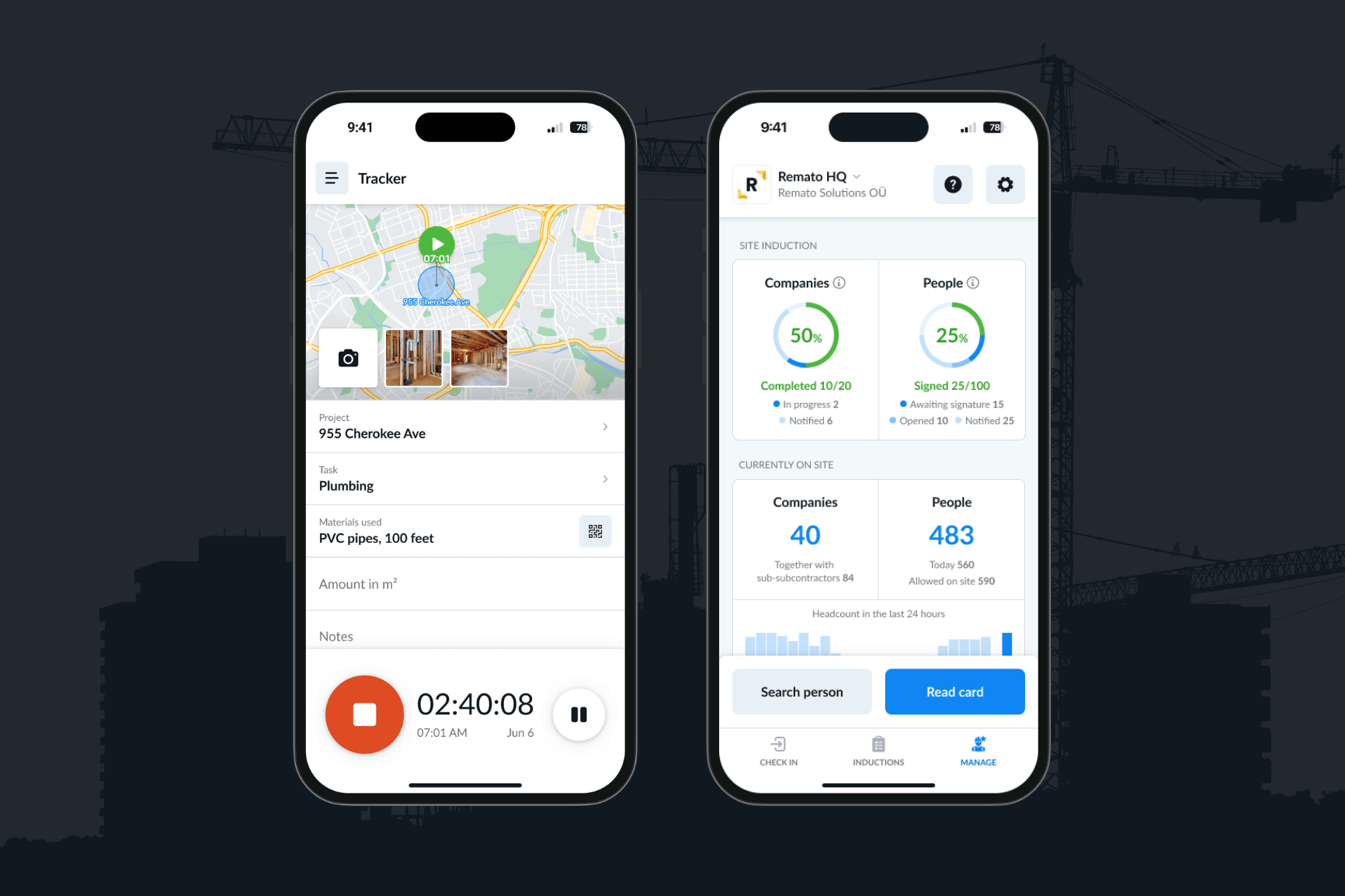
The Remato RESTful API provides a powerful, secure, and developer-friendly way to automate and streamline task and project management. Whether you’re coordinating software teams or managing construction projects across multiple sites, Remato’s project management API gives you programmatic access to create, track, and optimize tasks and projects in real time.
This makes Remato one of the most practical and efficient APIs to use for projects that demand flexibility, automation, and scalability.
If you’ve ever wondered what is a REST API, it stands for Representational State Transfer API – a set of rules that allows different software systems to communicate over the web.
A RESTful API uses standard HTTP methods (GET, POST, PUT, DELETE) to let developers interact with data resources such as tasks, users, or projects.
Because REST APIs are lightweight and stateless, they’ve become the backbone of most modern web integrations – including the Remato API.
The Remato API is a RESTful project and task management API that allows you to manage data directly from your own applications.
It’s designed for integration into your internal systems, CRMs, or project dashboards – allowing your tools to “talk” directly to Remato.
Authentication requires an API key, passed via the X-API-KEY header, and the API is available to paid clients only.
Base URL:
https://api.remato.eeYou can find the full REST API documentation at
👉 https://api.remato.ee/public/api-docs
The Remato API is currently structured around two main entities – Tasks and Projects, with Crew endpoints coming soon.
Tasks represent individual units of work within your organisation. The Remato task management API lets you create, update, and retrieve tasks seamlessly.
Endpoint:
/external/v1/tasks/addSubmit task details such as name, description, timestamps, project association, and assigned team members.
{
  "name": "Task 1",
  "description": "Super easy task",
  "beginTimestamp": "2024-09-16T09:00:00+03:00",
  "endTimestamp": "2024-09-21T17:00:00+03:00",
  "projectId": 1234,
  "personIds": [1,2,3]
}
Update a Task
/external/v1/tasks/updateUpdate task details, status, priority, assigned persons, assets, or admin notes.
Endpoint:
/external/v1/tasks/listRetrieve tasks with powerful filtering options (by project, person, status, priority, or template). Supports pagination and sorting.
Example payload:
{
  "pagination": {
    "limit": 5
  },
  "sort": {
    "by": "name",
    "direction": "ASC"
  }
}Projects act as containers for your tasks. With the Remato project REST API, you can create, update, and list projects for full visibility across your operations.
Endpoint:
/external/v1/projects/addDefine project metadata such as name, status, client, and contract number.
Endpoint:
/external/v1/projects/updateModify existing project details like status, timelines, client info, and assigned managers.
Endpoint:
/external/v1/projects/listRetrieve projects filtered by name, custom fields, or other parameters to organize your workspace efficiently.
Remato’s upcoming Crew endpoints will introduce powerful workforce analytics for deeper project oversight.
Retrieve a comprehensive report of crew member activity – including confirmation timestamps, assignments, and GPS data. Ideal for time tracking, attendance validation, or payroll automation.
Generate detailed reports focused on piecework or task-based pay. Perfect for construction or industrial teams needing precise output tracking.
You’ll be able to:
These endpoints will extend Remato into a full API for project and personnel management – covering both digital and field operations.
Before starting an integration, having a structured API integration project plan ensures smooth implementation and long-term stability.
Here’s a simple step-by-step approach:
This framework can be applied to both software development and construction project integration workflows.
APIs are now fundamental in modern project management – connecting tools, automating updates, and ensuring everyone works from the same source of truth.
In the construction industry, where Remato is heavily used:
By connecting these data points, organizations gain real-time visibility into productivity and costs.
Remato API combines flexibility and depth, making it one of the most valuable APIs to use for projects that involve people, assets, and timelines.
Whether you’re managing digital teams or construction site operations, the Remato RESTful API supports every step of your project management lifecycle.
A RESTful API is a type of web service that allows two applications to communicate using standard HTTP methods.
Remato uses a RESTful architecture to enable fast, scalable, and secure data interactions for managing projects and tasks.
Yes. The Remato REST API is designed for easy integration with your own systems – such as CRMs, ERP software, dashboards, or custom project management tools.
You just need a valid API key to get started.
The Remato API is currently available only to paid clients.
To gain access, contact Remato Support for licensing and pricing information.
You can find complete, up-to-date Remato REST API documentation here:
https://api.remato.ee/public/api-docs
The Remato RESTful API delivers a robust, secure, and developer-friendly solution for task and project management.
It enables teams, especially in construction and field operations – to automate workflows, integrate tools, and gain real-time visibility into every phase of their projects.
Whether you’re planning an API integration project, managing construction crews, or building a custom project dashboard, Remato’s REST API offers the flexibility and performance you need to succeed.